
Disclaimer
I personally do not advocate any process or procedure contained in any of my 100% human publications. Information presented is not intended to provide legal, lawful, financial or medical advice, diagnosis, treatment, cure, nor prevent any disease. Views expressed are for educational purposes only. I surround, protect, purify and make harmless the following information.
Thanks to Cindy.
How to turn off Gemini in Gmail
Kate Menzies
January 12, 2026
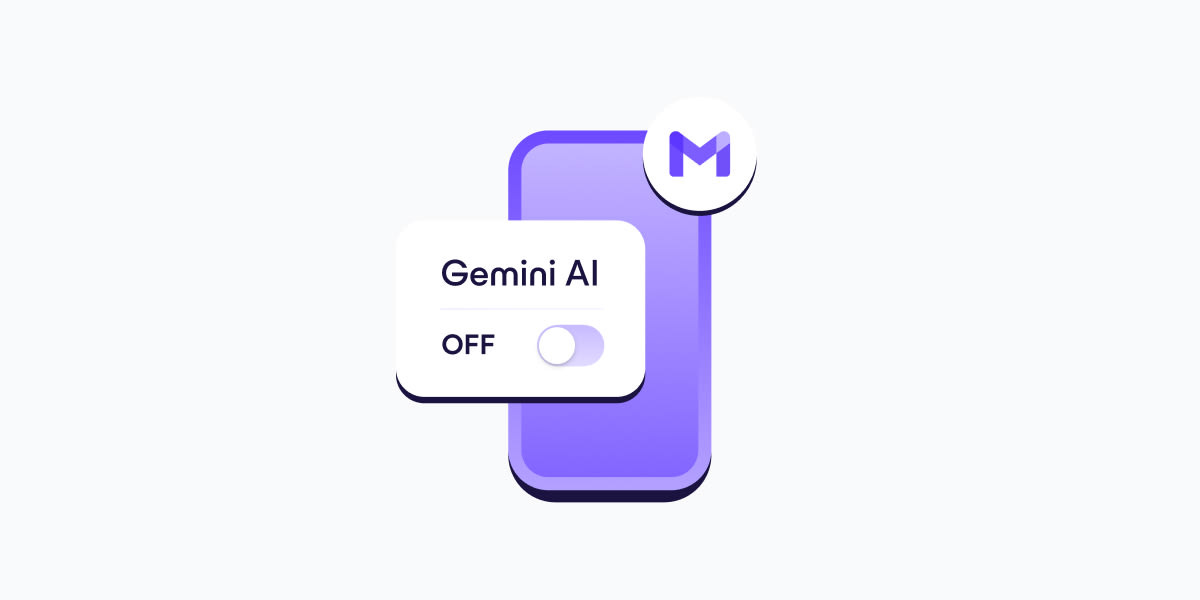
Following news that Google has rolled out features — including an AI overview, suggested replies, a Help Me Write feature, and AI inbox filters — that give its Gemini AI broad access to inbox contents by default, many people have been scrambling to disable Gemini in Gmail. Details to turn it off are in the link at the end.
If you have more Gmail accounts, repeat these steps for each one. The Workspace settings, however, apply globally across your Google Workspace (including Google Drive), so you only need to adjust those once.
Turning off Gemini in Gmail also disables basic, long-standing features like spellchecking, which predate AI assistants. This design choice discourages opting out and shows how valuable your AI-processed data is for Google.
If you want to be completely sure Google doesn’t re-enable or introduce new AI features that process your data, consider switching to Proton Mail, our secure email.
Why is Google integrating Gemini into Gmail?
Google promises(new window) that Gmail’s 3 billion users will benefit from a “personal, proactive inbox assistant”. But given that these features are free, what’s the catch? Make no mistake, Google isn’t doing this out of generosity. The contents of your inbox are valuable to the company.
Email used to be a more private space where your communications could potentially be intercepted by bad actors, but largely your data was your own. Today, companies like Google are expanding AI access to private communications such as email, framing it as productivity and convenience. But Gemini operates under its own terms, making it harder to distinguish what data is handled by Gmail itself and what is processed by AI systems.
Meta, for example, has taken this step further, using chat data and other interactions with Meta AI for targeted ads, showing how quickly AI features can reshape how personal data is used.
Why turn off Gemini AI?
While you’re able to switch off smart features, Google wants you to switch them back on. Under the guise of an easier workday and increased productivity, Gmail’s new AI inbox filters(new window) provide a suggested to-do list and collect topics it assumes you need to catch up on.
By acknowledging that keeping up with the amount of correspondence and topic-switching we all need to do at work is difficult, the company assumes it can tempt you into trading your privacy and security for convenience. But there are so many reasons to avoid Google and its AI assistant. Details in the link below.
You can’t guarantee what Google will do with your data
Google uses your data to show you ads
Your data may be shared beyond Google
Use AI that gives you control of your data*
There’s a reason usage of AI-powered assistants and chatbots has grown so exponentially: they can be incredibly helpful. The demands of modern work and life can be difficult to manage, and the right tools make all the difference. But Big Tech like Google, Microsoft, and OpenAI tend to treat your data as a business asset. And AI tools are an especially effective way to get data about your personal life, your work life, your health, and your financial records — the kind of information that can be analyzed, packaged, and monetized.
If you use Google’s email service and care about how your message contents may be used by AI, start by turning off Gemini in Gmail. If you’re ready to deGoogle, consider switching to Proton’s end-to-end encrypted suite of apps designed to protect the privacy of your data — not exploit it.
With Proton Mail, emails are end-to-end encrypted when you’re messaging other Proton users, and you can password-protect emails when writing to people outside Proton, like Gmail users. Either way, Proton can’t access the contents of your messages.
If you need help rewriting or fine-tuning an email, Proton Scribe (an opt-in add-on to Proton Mail) offers AI-powered writing assistance that never trains on your data. For broader tasks, you can use Lumo, our private AI assistant(new window) designed to help you without keeping logs of your conversations or turning your personal information into training material.
As Big Tech continues to attempt a new hijack of your data and your privacy by offering you AI tools that exploit you, you have the choice to reject them. Full details at https://proton.me/blog/turn-off-gemini-gmail
Transparency
*What if no data online is actually protected?

Think critically before agreeing to and/or communicating anything electronically b/c consent makes each of us accountable for what follows.
Without prejudice and without recourse
Doreen Agostino
Our Greater Destiny Blog
ai